AbrrntOptical bokeh for DaVinci Resolve
Abrrnt turns a depth map into the bokeh of a real lens. Every pixel gets its own disc: cat’s eyes, comets and astigmatic lines toward the corners, bubble or creamy edges, the purple and green fringes of chromatic aberration. All of it comes from one optical model, follows focus as it racks, and disappears wherever the shot is sharp.
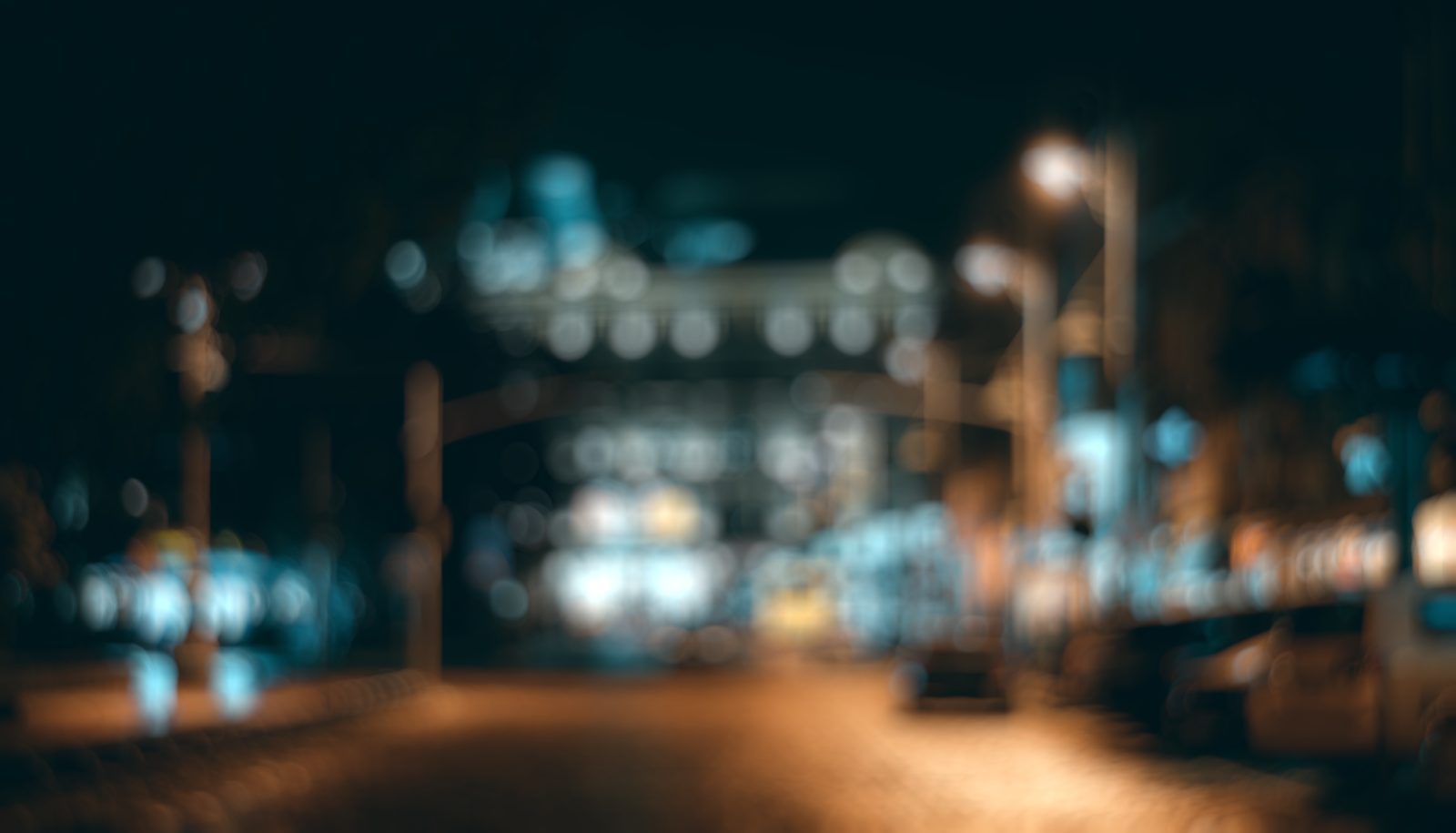

Rendered live in your browser by Abrrnt’s Monte Carlo renderer, the plugin’s optical model in WebGL, with a depth map. It starts focused on the street lamps and road signs: move the focus distance to refocus, and drag the line to compare with the original. Iris Radius 20.8 Cat's Eye 0.8 Impression 0.45 Boost Highlights 0.5. Photo by Roman Datsiuk / Unsplash.
How it rendersImages the way a real lens does
A disc for every pixel
Each pixel spreads into a disc of its own size and shape, set by its depth, and the discs add up into the frame. Light is conserved, so overlapping highlights add up the way they do on a sensor, and sharp pixels pass through untouched.
Aberrations from optics
Coma, astigmatism, field curvature, spherical aberration, chromatic aberration and mechanical vignetting are each modelled from their optical cause: they grow with image height and aperture, and look different on each side of focus. Dial each one in on its own.
Built for Resolve
Runs on the GPU through Metal, on the Fusion and Color pages. Preview at 1/16 up to Fast while you edit; final renders switch to High automatically. Input encodings include Rec.709, LogC, S-Log3 and DaVinci Intermediate.
CharacterAll six common aberrations, covered
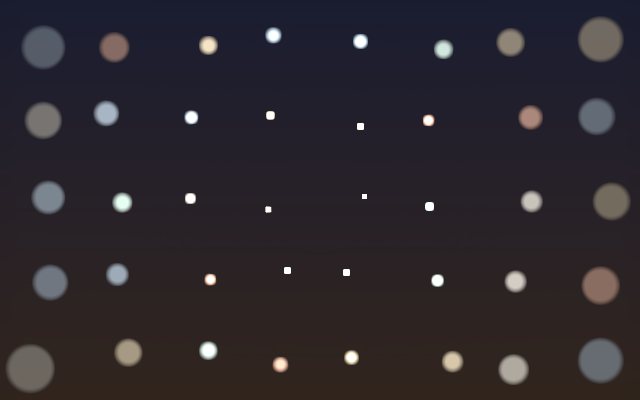
Field Curvature
The plane of focus is curved: a sharp centre with the surroundings melting away, or one sharp ring.
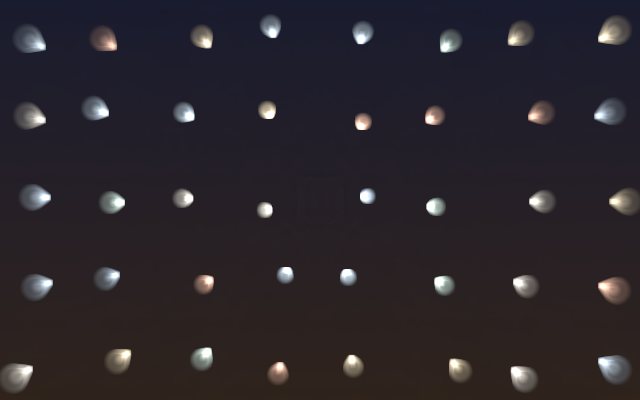
Coma
Corner points become 60° comets, even in focus; out of focus the discs turn into eggs.
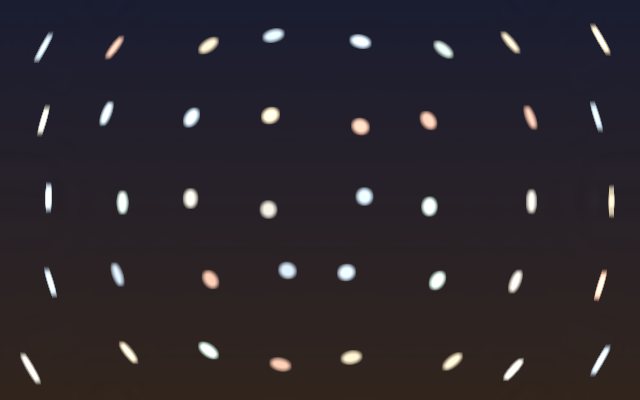
Astigmatism
The meridional and sagittal focal lines split: radial lines on one side of focus, arcs around the centre on the other.
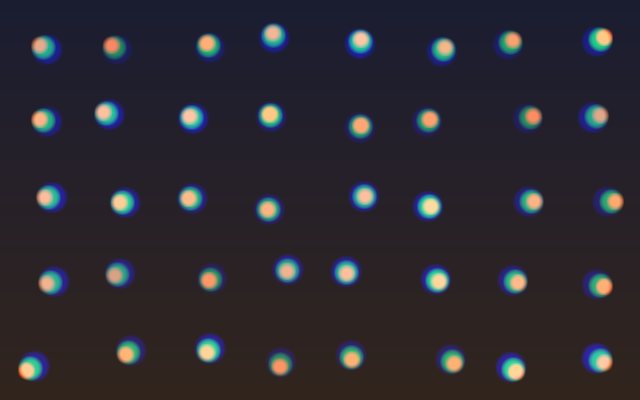
Chromatic Aberration
Red and blue focus at different distances and magnifications: purple and green rims on the discs, colour split in the corners.
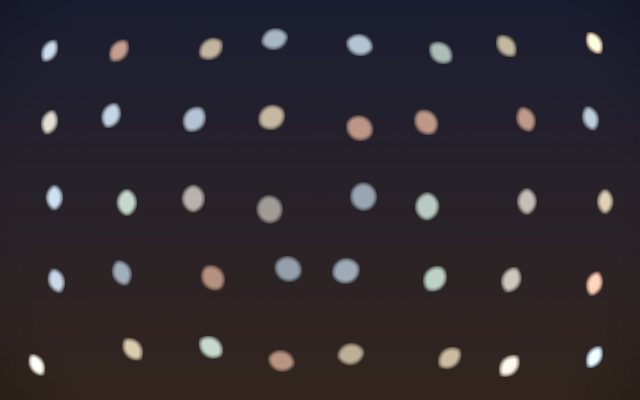
Cat’s Eye
The barrel clips one side of the aperture and corner discs become lemons; their brightness can be kept or let fall off.
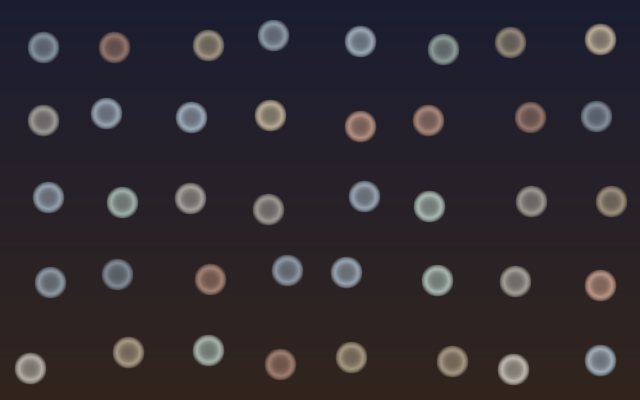
Spherical Aberration (Impression)
The marginal rays focus farther or nearer: bright-rimmed bubbles on one side of focus, creamy discs on the other.
DownloadDownload Abrrnt
The download is Abrrnt Lite: the full bokeh engine with a parametric iris, the six aberrations, chromatic aberration, anamorphic squeeze and Depth Cut. The full version, with the real-lens library, Ray Traced and depth in metres, is not publicly available. Evaluation licence.
Requires macOS with a Metal GPU (Apple Silicon or Intel) and DaVinci Resolve Studio (the free version does not load OpenFX plugins).
- Unzip the download to get
AbrrntLite.ofx.bundleandAbrrnt.drfx. - Copy it to
/Library/OFX/Plugins(create the folder if it does not exist; you may be asked for an administrator password). - Clear the download quarantine flag, or Resolve will refuse to load the plugin:
xattr -dr com.apple.quarantine /Library/OFX/Plugins/AbrrntLite.ofx.bundle - Quit Resolve completely and reopen it. The plugin is under Effects › OpenFX › Abrrnt › Abrrnt Lite.
- Double-click
Abrrnt.drfxto install the ready-made effect. On the Edit page, drag Effects › Fusion Effects › Abrrnt › Abrrnt Lite Auto Depth onto a clip: the depth map is generated for you, and Focus and Iris Radius are in the Inspector. - On the Fusion page, connect MediaIn to Abrrnt Lite’s Source and a Depth Map node to its Depth input. Set Output to Depth Preview to check the depth map, then back to Final and adjust Focus and Iris Radius.